Back to Projects
AUTOMATION FRAMEWORK

Playwright Automation Framework

A scalable automation testing framework built using Playwright, JavaScript and the Page Object Model (POM). The framework supports reusable components, HTML reporting, cross-browser testing, and maintainable automation architecture.
Playwright JavaScript POM HTML Reports Git VS Code
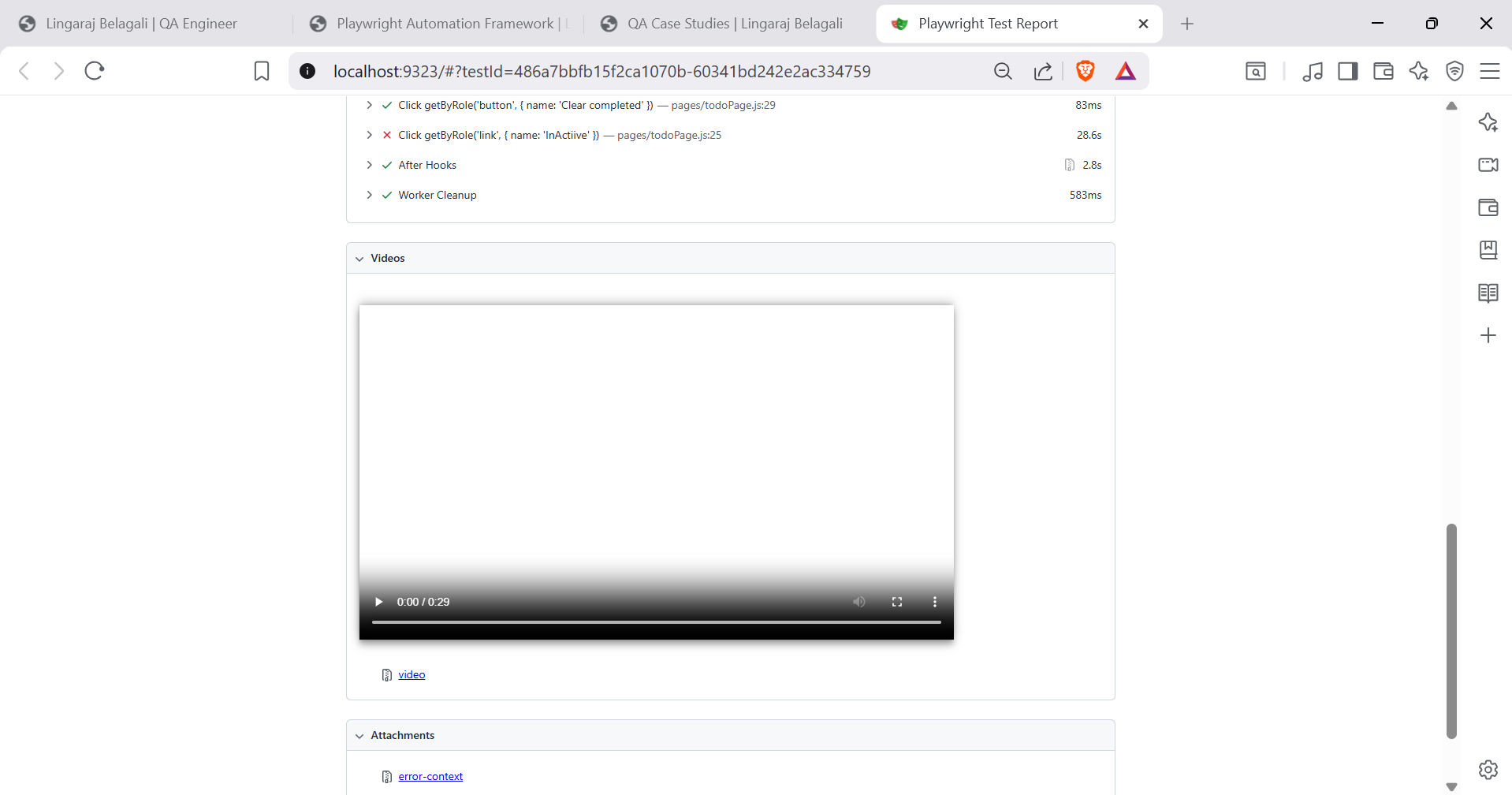
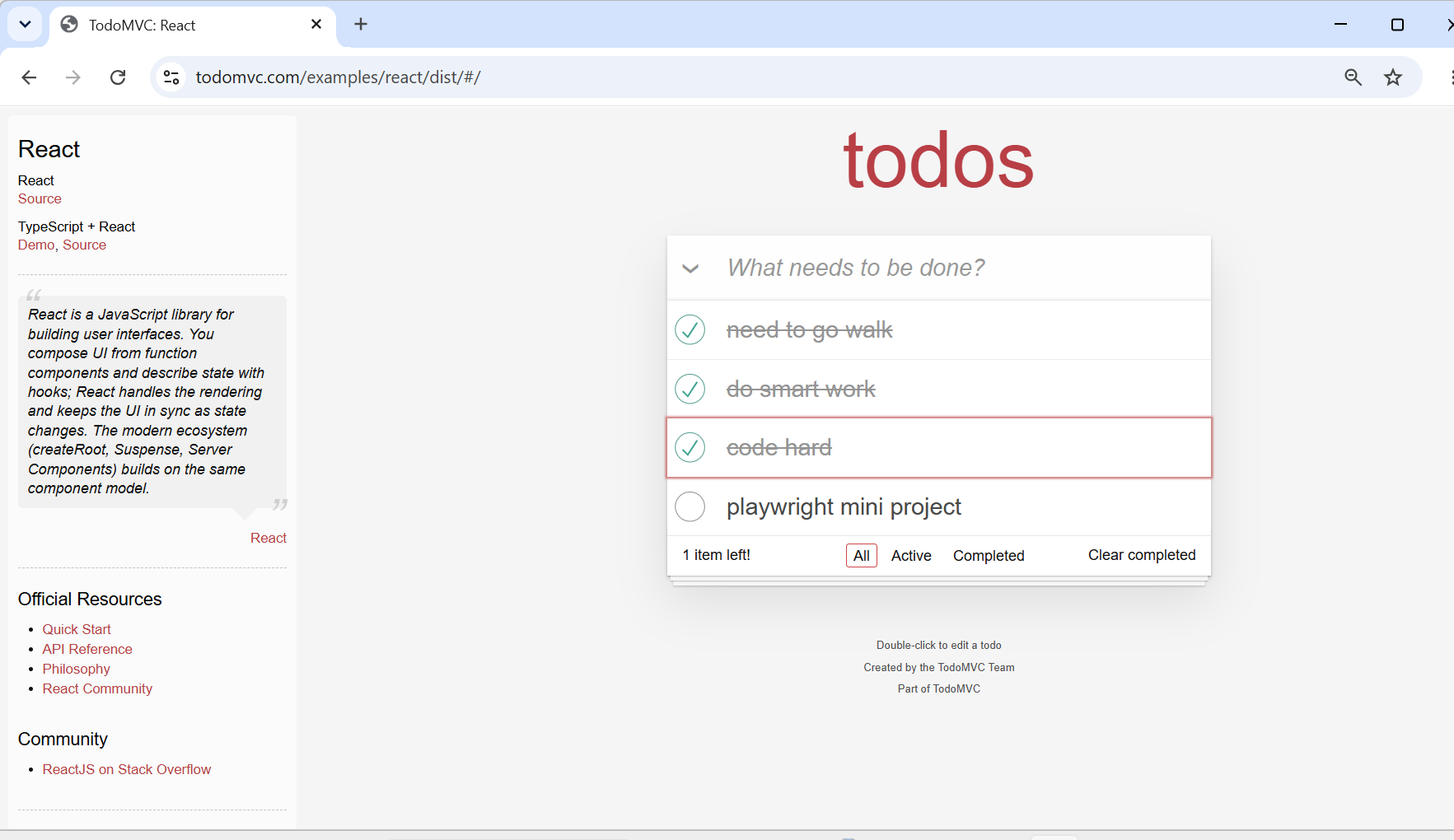
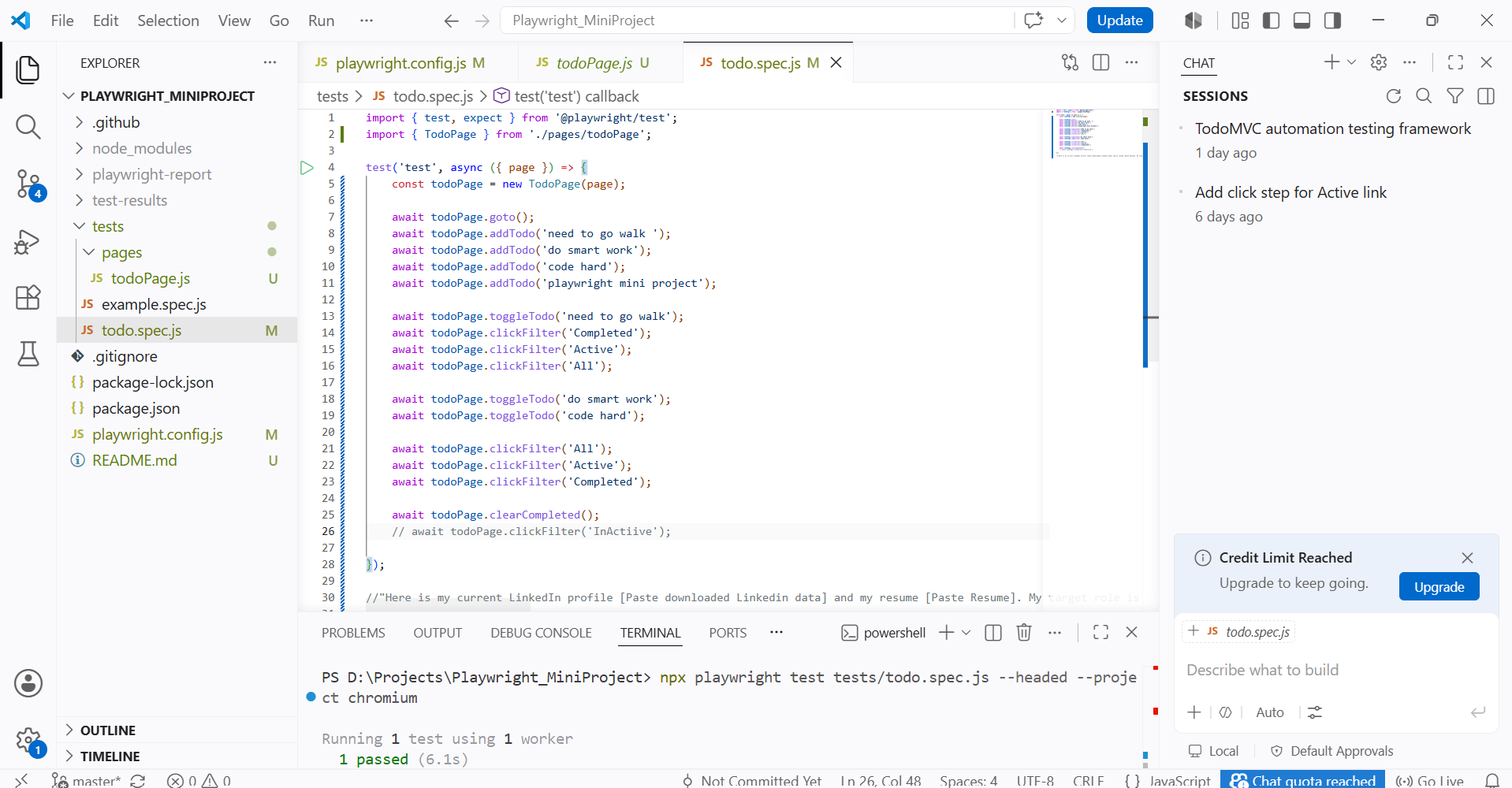
Framework Screenshot
PROJECT OVERVIEW

Building a Scalable Automation Framework

This project demonstrates the development of a reusable automation testing framework using Playwright with JavaScript. The framework follows the Page Object Model (POM) design pattern to improve maintainability, readability, and scalability.

It automates the TodoMVC application by validating core user workflows such as adding, editing, completing, and deleting tasks while generating detailed HTML execution reports.

Page Object Model
Reusable Components
HTML Reports
Cross-Browser Testing

25+

Automated Test Cases

6

Page Objects

3 min

Execution Time

100%

HTML Reporting

FRAMEWORK DESIGN

Automation Framework Architecture

The framework is designed using the Page Object Model (POM), separating page objects, test cases, utilities, and configuration files to improve scalability and maintainability.

playwright-framework/

├── pages/
├── tests/
├── utils/
├── fixtures/
├── reports/
├── screenshots/
├── playwright.config.js
├── package.json
└── README.md

Framework Highlights

  • ✔ Page Object Model (POM)
  • ✔ Reusable Utility Methods
  • ✔ Centralized Configuration
  • ✔ HTML Execution Reports
  • ✔ Cross-Browser Testing
  • ✔ Scalable Folder Structure
AUTOMATION FLOW

Framework Execution Workflow

Every test execution follows a structured workflow, ensuring maintainability, reusability, and accurate reporting.

Test File

Executes test scenarios.

Page Object

Reusable page methods.

Locator

Finds UI elements.

Assertion

Validates expected result.

HTML Report

Generates execution report.

TEST SCENARIOS

Automation Test Coverage

The framework automates the core business workflows of the TodoMVC application, ensuring stability, regression coverage, and functional correctness.

Add New Todo

Verify users can create a new task successfully and the task appears in the list.

Edit Existing Todo

Validate users can modify existing tasks without affecting other records.

Delete Todo

Verify completed tasks can be removed and the UI updates correctly.

Complete Todo

Validate completed tasks display the correct completed state.

Filter Active

Ensure only active tasks are displayed when Active filter is selected.

Filter Completed

Validate only completed tasks are displayed using the Completed filter.

Clear Completed

Verify completed tasks are permanently removed using the Clear Completed option.

UI Validation

Validate labels, counters, filters and task visibility throughout execution.

DEMO & SOURCE CODE

Project Demo & Repository

Watch the automation framework in action and explore the source code used to build the project.

Watch Demo

Complete walkthrough of the Playwright Automation Framework with execution and reporting.

Watch on YouTube

Source Code

Explore the project structure, reusable components, and automation scripts.

View Repository
PROJECT HIGHLIGHTS

Key Achievements

Reusable Framework

Designed a scalable Playwright framework using Page Object Model for easy maintenance.

Automation Coverage

Automated core TodoMVC workflows covering CRUD operations and UI validations.

Execution Reports

Generated interactive HTML reports for easy result analysis.

Maintainable Code

Centralized locators and reusable utilities reduced duplicate code.

LEARNING OUTCOMES

Lessons Learned

  • Improved framework design using the Page Object Model.
  • Learned to build reusable automation components.
  • Strengthened Playwright automation skills.
  • Implemented maintainable folder structures.
  • Generated professional HTML execution reports.
  • Enhanced debugging and troubleshooting techniques.